 The Wallet Shoppe

A backpack is usually the more practical choice for a longer walk with a laptop and other gear. A messenger bag makes it easier to reach your things without taking the bag off, particularly when you carry a smaller load.
Choose with your commute in mind. Five minutes from a car to an office is a different job from walking across town with books and a computer.
| What matters most | Backpack | Messenger bag |
|---|---|---|
| Carrying a heavier load | Two straps share the load across the shoulders | Weight rests on one shoulder |
| Quick access | Usually needs taking off or swinging around | Can be opened while worn at your side |
| Bulky items | Often easier to pack a jacket, lunch, or gym kit | Flatter shapes suit documents and a laptop |
| Hot weather | Back panel can feel sweaty | Leaves more of your back exposed when worn at the side |
| A crowded train | Take it off to avoid bumping people behind you | Keep it close; a full bag can still take up space |
When I’d Choose a Backpack
For books, a laptop, lunch, and a change of clothes, start with a backpack. Use both shoulder straps and try it with your usual contents. The American Academy of Orthopaedic Surgeons recommends two padded, adjustable straps for balancing a backpack’s load.
That doesn’t mean a backpack makes any weight comfortable. Remove things you don’t need, check the fit, and avoid buying extra capacity just because it is there.
A separate laptop sleeve and an external bottle pocket can be useful, but neither is universal. Look at the layout of the actual bag rather than assuming every backpack has the same compartments.
The SwissGear ScanSmart is a laptop-backpack option to compare. Measure your computer and check the compartment dimensions before ordering, especially if it has a thick case.
The Drawbacks
A pack against your back can feel hot, and getting at something in its main compartment often means taking it off. It also needs care on crowded transport: hold it by the handle when the extra space behind you would inconvenience other passengers.
If you plan to fly with it, compare the loaded dimensions with your airline’s allowance. Our under-seat backpack guide covers the sizing questions.
When I’d Choose a Messenger Bag
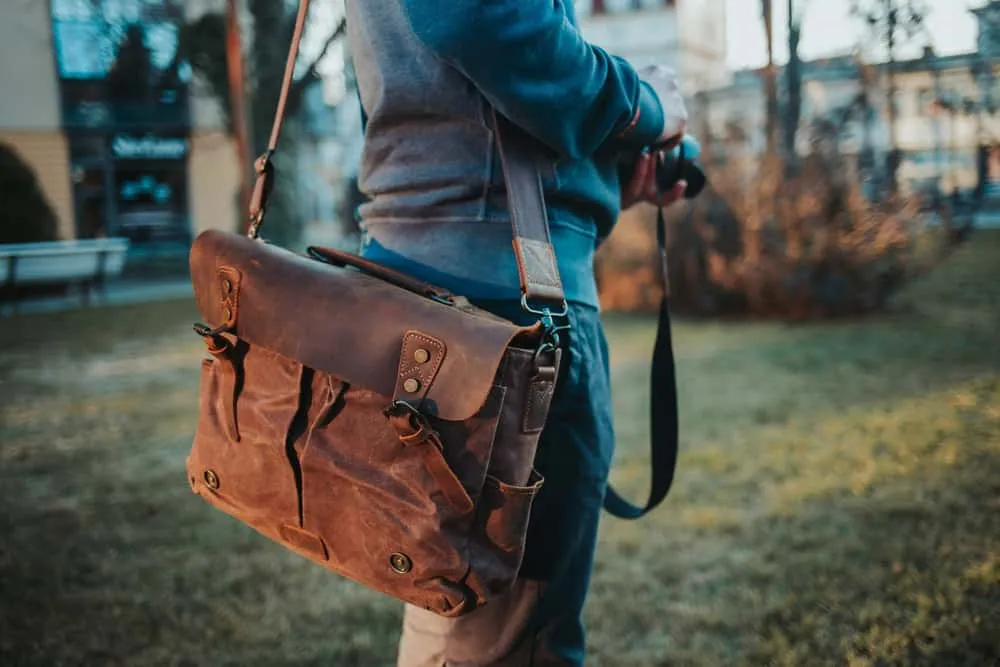
A messenger bag suits a lighter commute where you want quick access to a notebook, tablet, or laptop. The wide opening can make flat items easy to find, and you can bring the bag around to your side without removing it.
The Timbuk2 Classic is an example of the format. Its standard internal divider is not the same as the optional padded laptop sleeve in the custom version. Check the size you select: different capacities serve different loads, and not every version provides the laptop protection you may want.
A canvas messenger can work with casual clothes; a simpler leather or nylon design may suit an office. You can find either bag style in understated designs, so a professional appearance doesn’t require a single shoulder strap.
The Drawbacks
A full messenger bag puts its load on one shoulder. If a longer walk makes you lean to compensate or leaves you uncomfortable, reduce the load or try a different carrying style. Our messenger bag comfort guide goes into more detail.
Check bottle storage and how the flap or zipper closes. Some bags have useful external pockets; others leave you packing a bottle alongside your computer. A smaller messenger also isn’t a guarantee against overpacking it.
Try the Same Load in Both
Bring your daily gear when trying bags in a shop, or pack it during the return period. Walk around, reach for your keys, and take the laptop out. A pocket that looks clever in a product photograph may be awkward in your routine.
If both styles feel comfortable, choose the one whose access and layout you prefer. If neither does, take some weight out before shopping for a third bag.